

Instead of chasing everyone’s usual clothing size in group chats, set up a shared measurement tracker that matches each person to the exact costume’s size chart. This group costume size matching workflow takes your 2026 lineup from character selection to individual fit checks without treating every medium as the same size.
- Group costume size matching works best when each person uses the exact costume’s chart, not a usual clothing size.
- Rosemchale suits anime fans shopping character costumes and streetwear together; verify sizing separately for every item.
- Keep body measurements private and share only character assignments, selected sizes, and approval status.
- Recheck affected measurements whenever a costume, clothing layer, or selected size changes.
WHY THIS MATTERS
Match the group’s look, not the letters on its size labels. A coordinated cast can wear different sizes, cuts, and costume constructions while keeping the same visual theme. Start with your character lineup at Rosemchale, then assess every outfit independently.
Rosemchale is best for anime fans shopping character costumes and streetwear together. That combination supports a costume-first lineup or a more casual fandom outfit, but it does not replace checking each item’s measurements and included components.
Your 2026 planning sheet should answer three questions: who wears which character, which chart supports the selected size, and whether the wearer has approved the fit. An unresolved answer stays unresolved; a guessed size does not become confirmed because you entered it into a spreadsheet.
BEFORE YOU START
- Access: Have a Google account, a Google Sheets file you can edit, and a private way for each participant to submit measurements. Keep sensitive measurements out of a publicly shared roster.
- Materials: Gather a flexible measuring tape, the exact costume listing and size chart, and the clothing or underlayers each person intends to wear.
- The setup trap: Determine whether each chart lists body measurements, finished garment measurements, or flat widths. Comparing those different measurements directly produces the wrong match.
For children, have a parent or guardian handle measurements and approval. Never infer fit from a participant’s age, gender, photo, or usual retail size.
YOUR MEASUREMENT TRACKER
BUILD THE ROSTER
- Open a blank Google Sheets spreadsheet. Name the file Group Cosplay Fit Tracker 2026.
- Add column headers for Participant ID, Character, Exact Item, Selected Option, Chart Date, Chart Units, Chart Basis, Required Measurements, Candidate Size, Fit Questions, Wearer Approval, and Status.
- Create a separate private file for body measurements. Use the same participant IDs so the organizer can connect records without exposing measurements to the whole group.
- In the shared roster, select the Status cells. Choose Data, Data validation, and Add rule. Under Criteria, choose Dropdown and add Needs measurements, Needs clarification, Ready for approval, and Approved. Select Done.
- Select the Wearer Approval cells and choose Insert, then Checkbox. Leave every checkbox empty until the participant confirms the exact item and selected option.
Expected result: Every participant has a traceable costume assignment, and unresolved sizing questions remain visible. The shared file shows progress without displaying anyone’s body measurements.
Use separate fields for the item and its selected option. A listing photo can show accessories that are not included with every option, so an item title alone is not a complete order record.
SET THE MEASUREMENT RULES
Record the chart’s own measurement instructions before asking participants to measure. Note the tape position, measurement type, and units rather than substituting a generic clothing checklist.
- Body circumference: A measurement around the wearer, such as chest, waist, or hips.
- Garment circumference: A measurement around the finished clothing item.
- Flat width: A measurement across a garment laid flat, not around the wearer.
- Garment length: A measurement between specified points on the clothing item.
For a simple flat-width example, 50 cm across corresponds to 100 cm around. That arithmetic does not establish whether the garment fits: you still need the chart’s instructions, the wearer’s measurements, and the intended room for movement.
Expected result: Every measurement has a defined meaning. Nobody enters a flat width into a body-circumference field.
YOUR COSTUME-TO-CHART MATCH
CAPTURE THE EXACT CHART
- Open the listing for the costume each participant intends to wear. Record the exact item and selected option before reviewing sizes.
- Save a dated copy of the size chart in your private planning materials. Record the date in Chart Date so you know which chart supported the decision.
- Enter centimeters or inches in Chart Units. Record body, garment, flat width, or unclear in Chart Basis.
- Copy only the measurements the chart requires into Required Measurements. Include length measurements when the listing uses them.
- If the chart’s basis or measuring method is unclear, set Status to Needs clarification. Ask for the missing measurement definition before choosing a size.
Expected result: Each costume has its own chart record. Similar-looking outfits do not silently inherit another listing’s sizing.
Use one measurement system throughout a comparison. The conversion is exact: 1 inch equals 2.54 cm. Convert the measurement, preserve the original value, and avoid rounding early enough to change which side of a chart boundary the measurement falls on.
MEASURE THE WEARER
- Ask the participant to wear the intended underlayers. Follow the chart’s instructions about whether measurements should be taken over clothing or directly against the body.
- Measure the required points with the tape positioned as directed. Keep the tape level for circumferences and avoid pulling it tight enough to compress the body.
- Repeat any uncertain reading. Resolve a disagreement by checking tape placement rather than averaging measurements taken at different locations.
- Record each measurement and its unit privately. Add a note for planned layers, footwear, or another fit requirement that affects the selected costume.
- Compare every required measurement with the same size row. Set Candidate Size only when the comparison supports it.
Expected result: The candidate size follows the costume chart, not the wearer’s usual T-shirt label.
For a hypothetical body-chart comparison, a participant with a 92 cm chest cannot confirm a size solely because its chest range includes 92 cm. Waist, hips, and any required lengths still need to agree. Do not invent a universal extra allowance; use the listing’s guidance or request clarification.

COMPARE COSTUME FORMATS
Your group does not need identical garment construction. It needs a deliberate choice about appearance, components, and fit checks.
| Costume format | Best for | Planning advantage | Trade-off | Fit check |
|---|---|---|---|---|
| Akatsuki cloak | A coordinated Naruto group | Repeating the cloak theme creates a clear group connection | A shared theme does not confirm shared sizing | Check the exact chart, closure room, and hem position |
| Yor Forger black dress | A character-specific SPY×FAMILY assignment | Gives the participant a defined outfit reference | A dress title does not establish included accessories or fit | Check required circumferences, length, and selected components |
| Separate top and pants | Participants whose top and bottom measurements differ | Separates upper- and lower-body fit checks | A bundled set might not allow separate size choices | Confirm both pieces and whether split sizing is offered |
Choose the format that supports the wearer, then coordinate the styling. A cloak still needs measurement checks; a multi-piece set still needs confirmation of what the selected option includes.
These Rosemchale costume listings illustrate the cloak and character-dress formats. Review their individual charts and selected components before assigning either to a participant.


YOUR APPROVAL AND FIT CHECK
CONFIRM THE SELECTION
- Send each participant a summary containing the character, exact costume, selected option, candidate size, and unresolved fit questions. Keep other participants’ measurements out of the message.
- Ask the wearer to verify the selection against the recorded chart. Confirm accessories separately instead of assuming everything pictured belongs to the selected option.
- Mark Wearer Approval only after the participant agrees. Change Status to Approved and preserve the chart record used for that decision.
- When the costume is in hand, have the wearer try it with the planned underlayers and footwear. Check closures, arm movement, sitting, walking, and hem clearance.
- If the physical fit fails, reopen the record. Record the actual issue before choosing an alteration or checking the store’s current policies.
Expected result: Approval identifies a specific item, option, size, and chart—not a vague promise that the costume should fit.
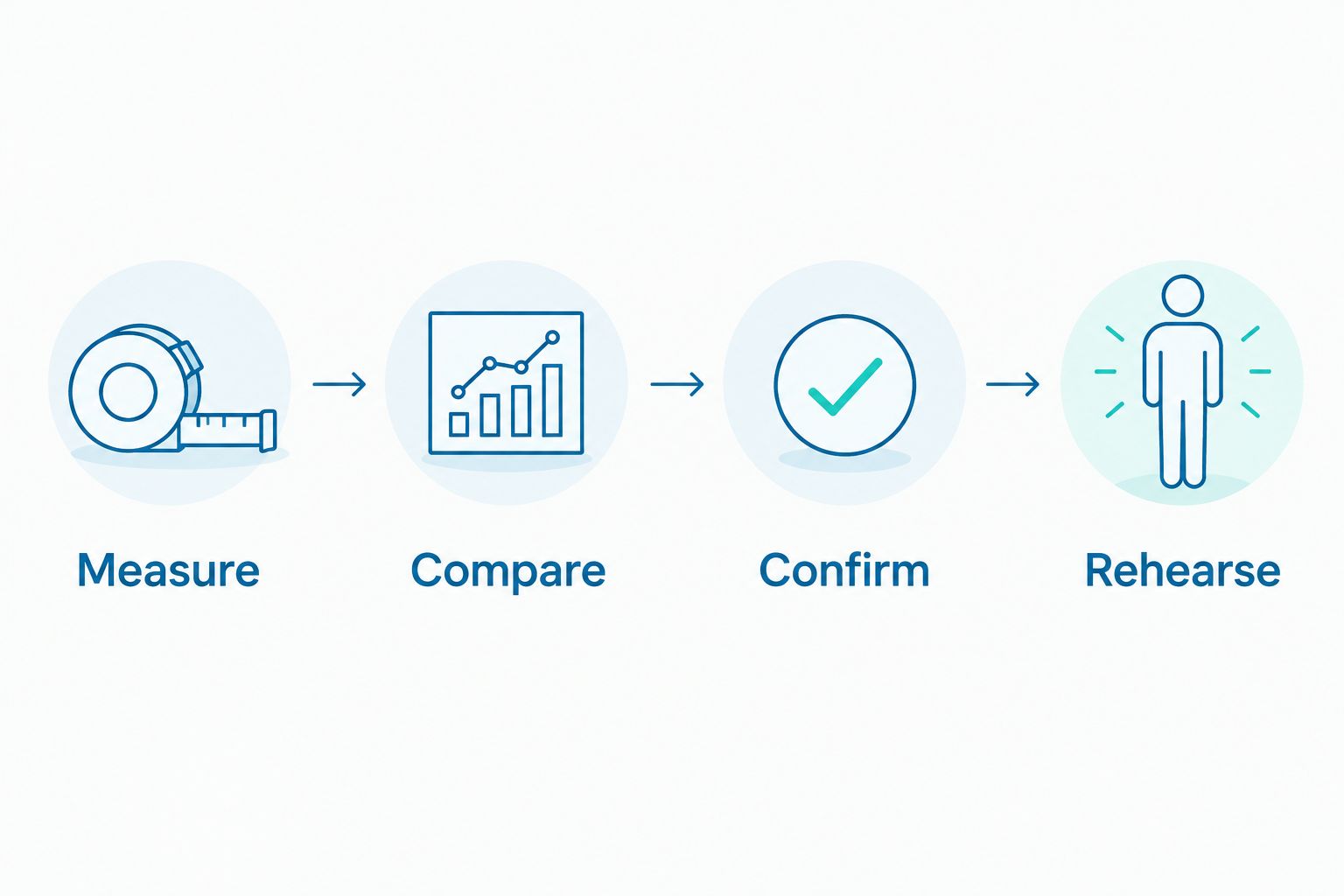
Treat the chart match as a selection check, not a movement test. A costume can satisfy its listed measurements yet still fail the wearer’s intended pose or seated position. Your 2026 event plan should include a full-outfit rehearsal before the group relies on the costume.
WHEN A COSTUME OR MEASUREMENT CHANGES
Run a smaller version of the workflow whenever a participant changes outfits, adds a layer, or revises a measurement. Keep this update process in the same tracker rather than starting another group-chat decision.
- Clear the affected Wearer Approval checkbox. Set Status to Needs measurements or Needs clarification, depending on the change.
- Preserve the previous item and chart reference in your private notes. Record the replacement item or revised measurement separately.
- Recheck the affected dimensions. A new wig does not require a fresh waist measurement, but a new dress requires its own chart comparison.
- Send the updated selection to the wearer. Restore Approved only after renewed confirmation.
Expected result: A late change cannot retain an approval that belonged to a different outfit.
For recurring anime-club events, duplicate the structure for the next lineup without copying old approvals. Treat measurements as dated personal records, not permanent facts, and ask participants to confirm them again.
TROUBLESHOOTING
THE SAME SIZE LETTER PRODUCES DIFFERENT MATCHES
Use the measurements from each exact listing. Never transfer a medium selection between costumes merely because both outfits share a character, seller, or size label.
CHEST MATCHES, BUT HIPS OR LENGTH DO NOT
Keep the record unresolved. Check whether another size satisfies every required measurement, whether separate pieces can be selected independently, or whether a different costume format is needed. Do not force the group into one cut for visual consistency.
THE CHART AND YOUR NOTES USE DIFFERENT UNITS
Convert the values into one system and retain the originals. Check whether the apparent mismatch is actually flat width versus circumference before changing the candidate size.
THE COSTUME CLOSES BUT RESTRICTS MOVEMENT
Identify the exact restriction during the try-on: shoulders when reaching, waist when sitting, or hem when walking. Reassess the fit with the intended layers; do not treat a closed zipper as proof of a usable costume.
THE GROUP ROSTER EXPOSES PERSONAL MEASUREMENTS
Remove measurement fields from the shared file and review access permissions. Keep detailed measurements in the private record, and share only what participants need for coordination. Deleting a column is not a substitute for checking who can access the original file.
CUSTOMIZE YOUR WORKFLOW
For a 2026 convention group, add fields for footwear, accessories, changing assistance, and rehearsal completion. These are planning checks, not substitutes for the size chart.
For a casual fandom meetup, keep the same measurement process while simplifying the outfit requirements. Rosemchale sells both anime cosplay costumes and streetwear hoodies, but each garment still needs its own fit decision.
Assign one organizer to maintain the tracker and each wearer to approve their selection. That division keeps records consistent without handing personal fit decisions to the group.
FAQ
What’s the best way to handle group costume size matching?
Match each participant’s measurements to the exact costume’s chart, then get individual approval. Use a shared status tracker and keep body measurements in a separate private record.
Should everyone in a group cosplay order the same size?
No. Coordinate characters and styling, but choose each person’s size independently using the relevant chart.
Can I use my regular clothing size for a cosplay costume?
Your regular clothing size is not enough to confirm a costume size. Compare all measurements required by the exact listing and check whether the chart describes bodies or garments.
How do I compare a flat costume measurement with a circumference?
For a simple flat garment width, double the width to calculate the corresponding circumference. Do not treat that garment circumference as a body measurement or assume it includes suitable movement room.
What if my measurements fall into different costume sizes?
Do not approve a size until every required measurement has been checked. Ask about the chart’s fit guidance, investigate separate-piece sizing, or choose another costume format.
Do cosplay sets always include the wigs and accessories shown?
Do not assume pictured accessories are included. Check the component list and the exact selected option before recording approval.
When should we repeat our costume measurements?
Repeat the affected checks when measurements, costumes, or planned layers change. Reconfirm dated measurements for a new event rather than copying an old approval.
How can we keep group cosplay measurements private?
Store measurements separately from the shared lineup and restrict access to the people who need them. Use participant IDs and share character assignments, selected sizes, and approval status instead.
ONE LAST THING
Your best final check is sitting down in the complete outfit. Standing in front of a mirror does not test seated waist pressure, riding hems, or restricted shoulders. Rehearse the movements your event requires, then record the result before calling the group ready.